insights 2.0

AI Copilot for Product Teams to turn VoC into Revenue

Heading Underline image

customer-led

Uncover critical insights from feedback and start building revenue-focused roadmaps.
50%

Growth in sales

10x

Revenue streams

20%

Boost in retention

90h

Savings in time

Auto-analyze insights from customer chats

Voctera AI spots valuable product insights from customer conversations on Slack, Intercom, & more.

Set up integrations
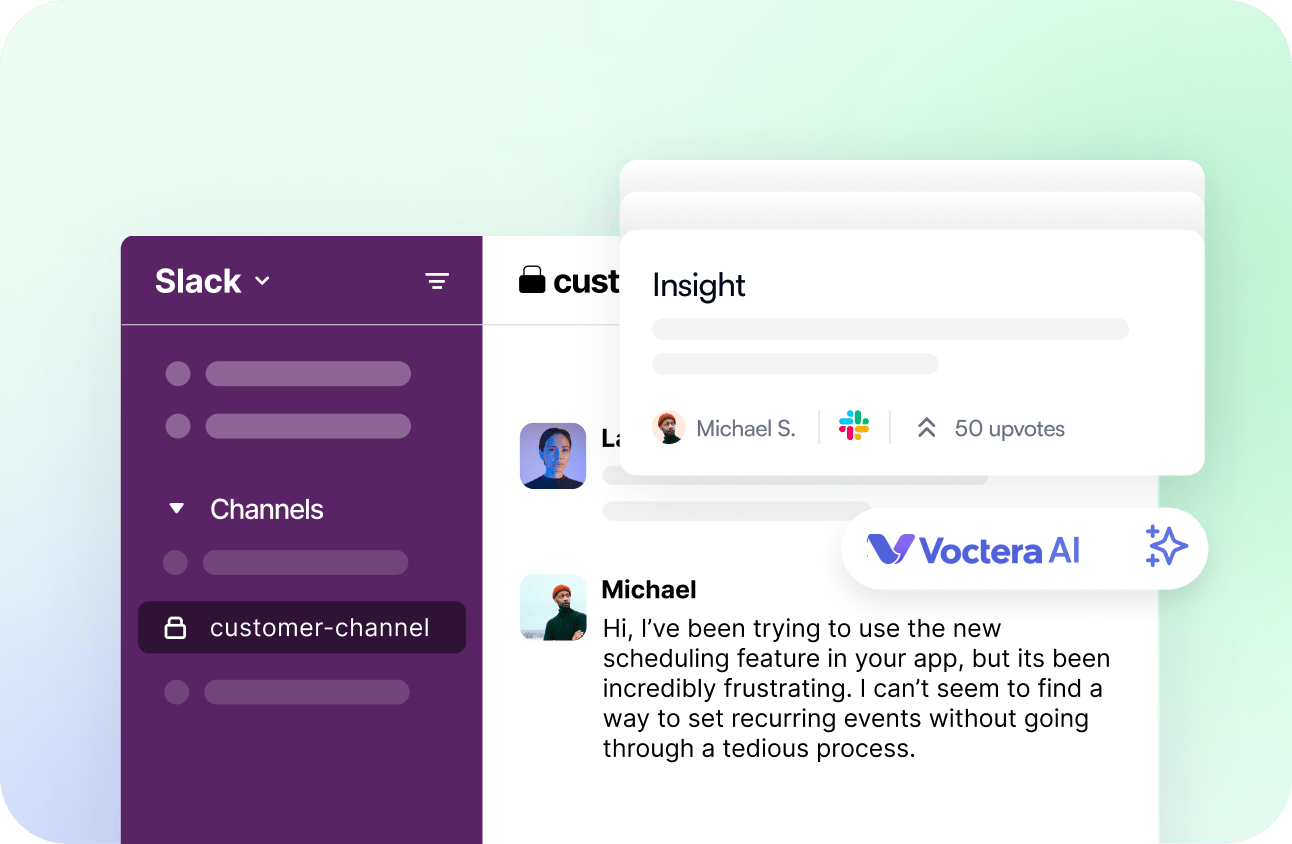
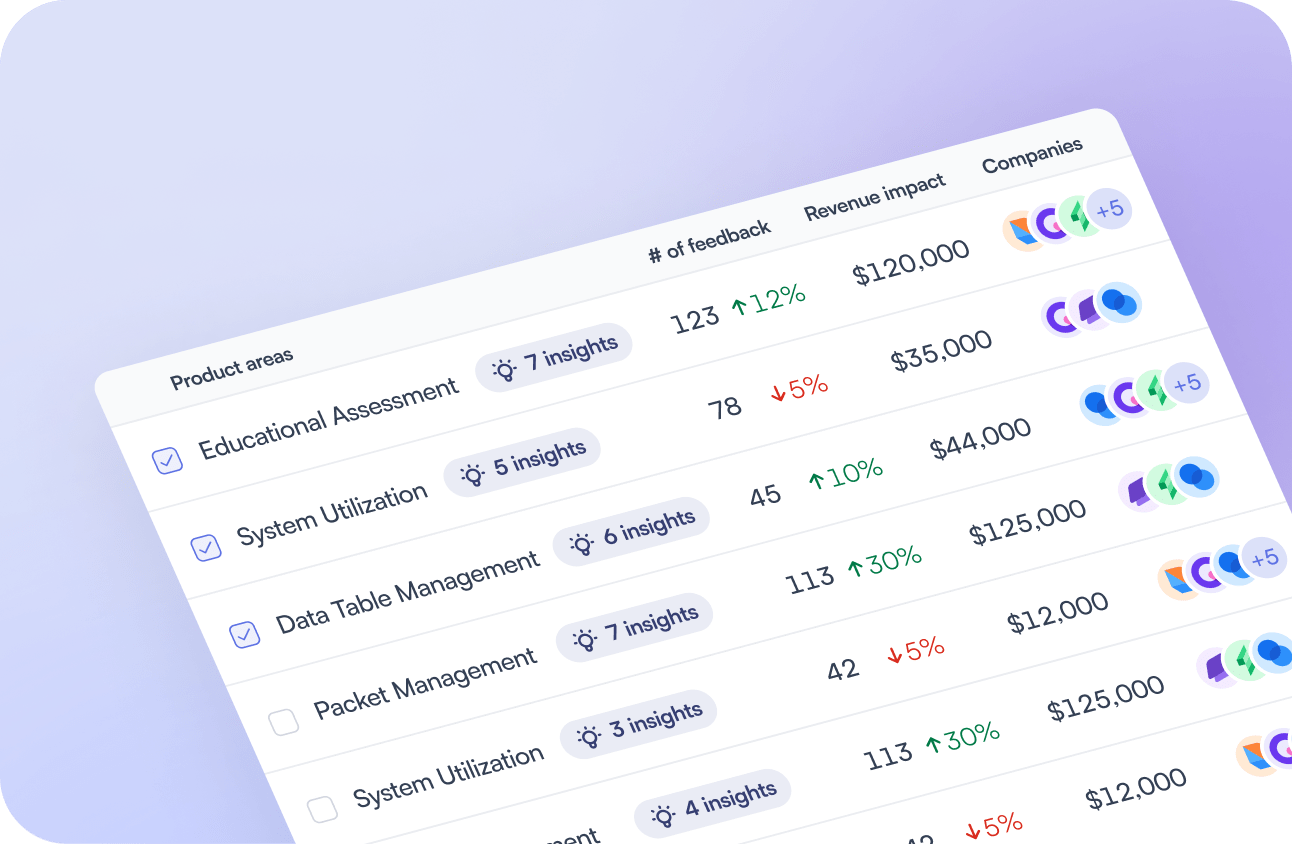
Surface actionable scoops for key product areas

Slice & dice insights into relevant product areas, and build features that matter the most.

Learn more
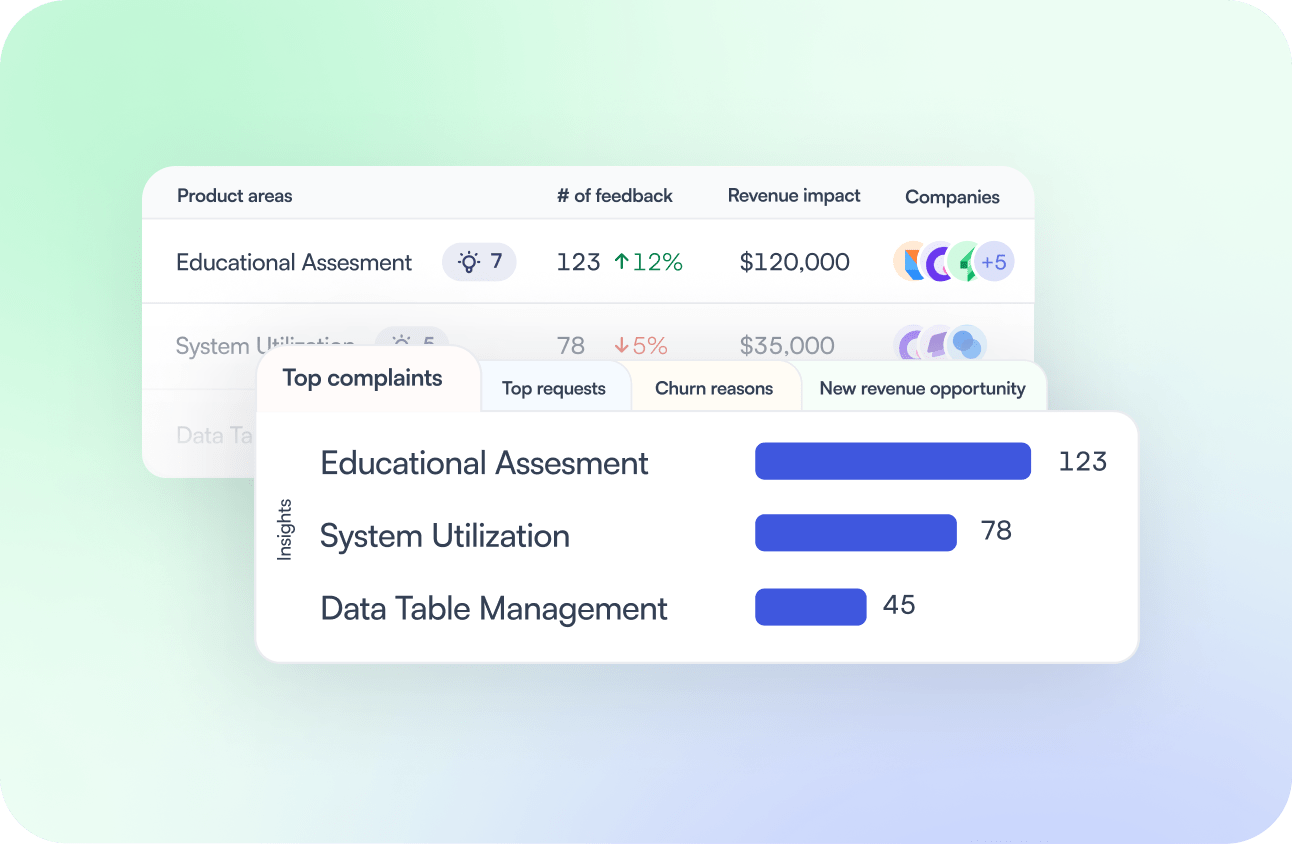
Generate AI insight reports for major customer signals

Get actionable insights on top requests, top complaints, & more - across product areas!

Get started
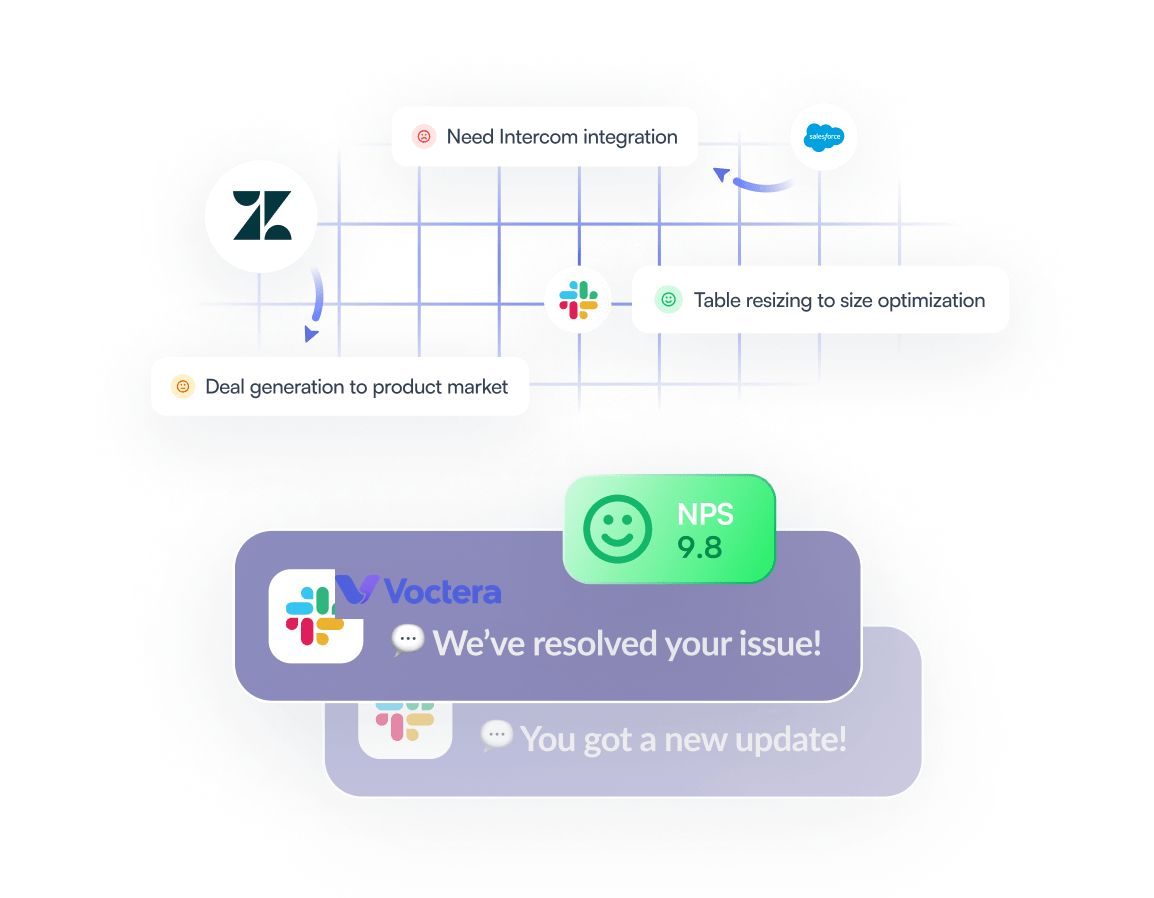
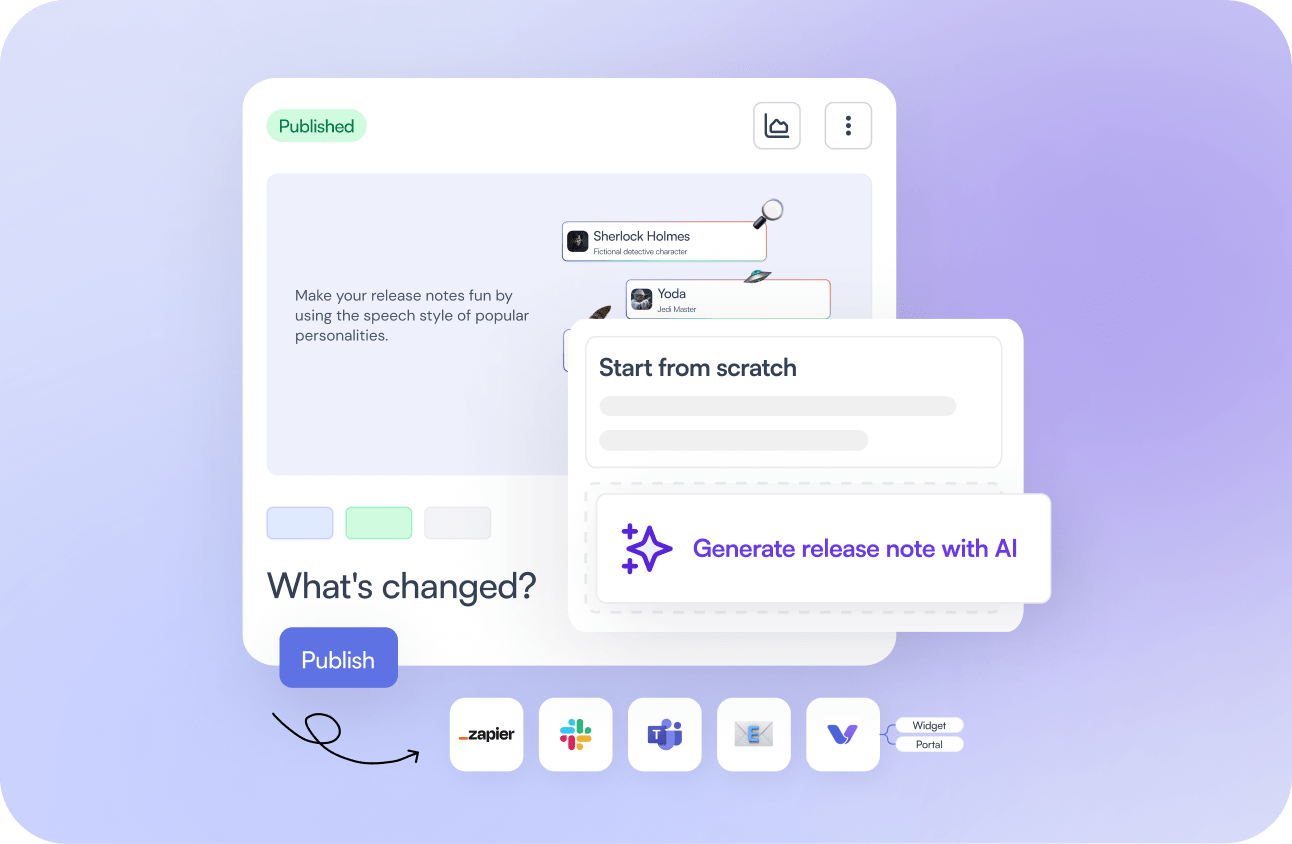
Close the feedback loop on autopilot

Share real-time notifications for new releases and close the feedback loop 10x faster.

Set this up
AI Product Intelligence for
High-Performing Product Teams
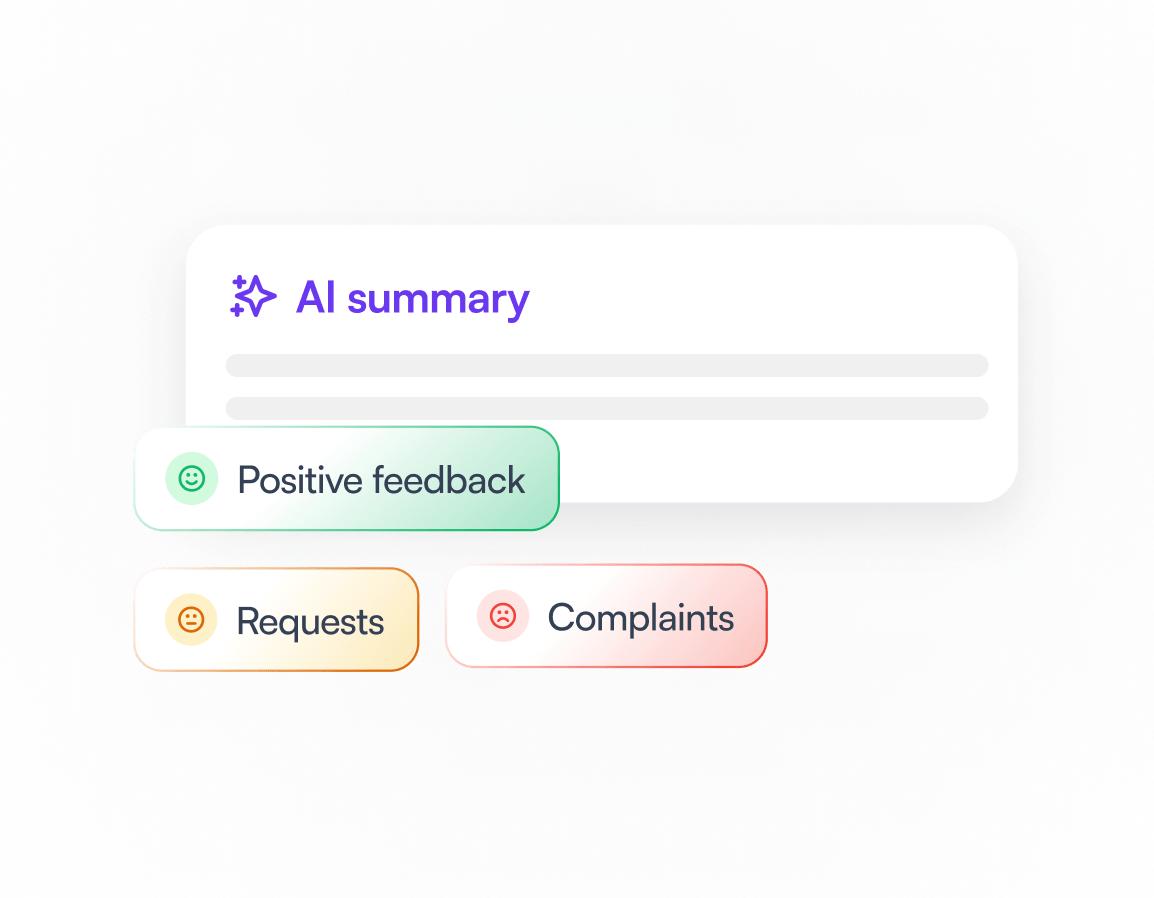
Uncover Customer Sentiments Easily

Go beyond surface feedback to understand your users’ emotions and pain points for an improved user experience.

AI summary

Report analysis

Customizations

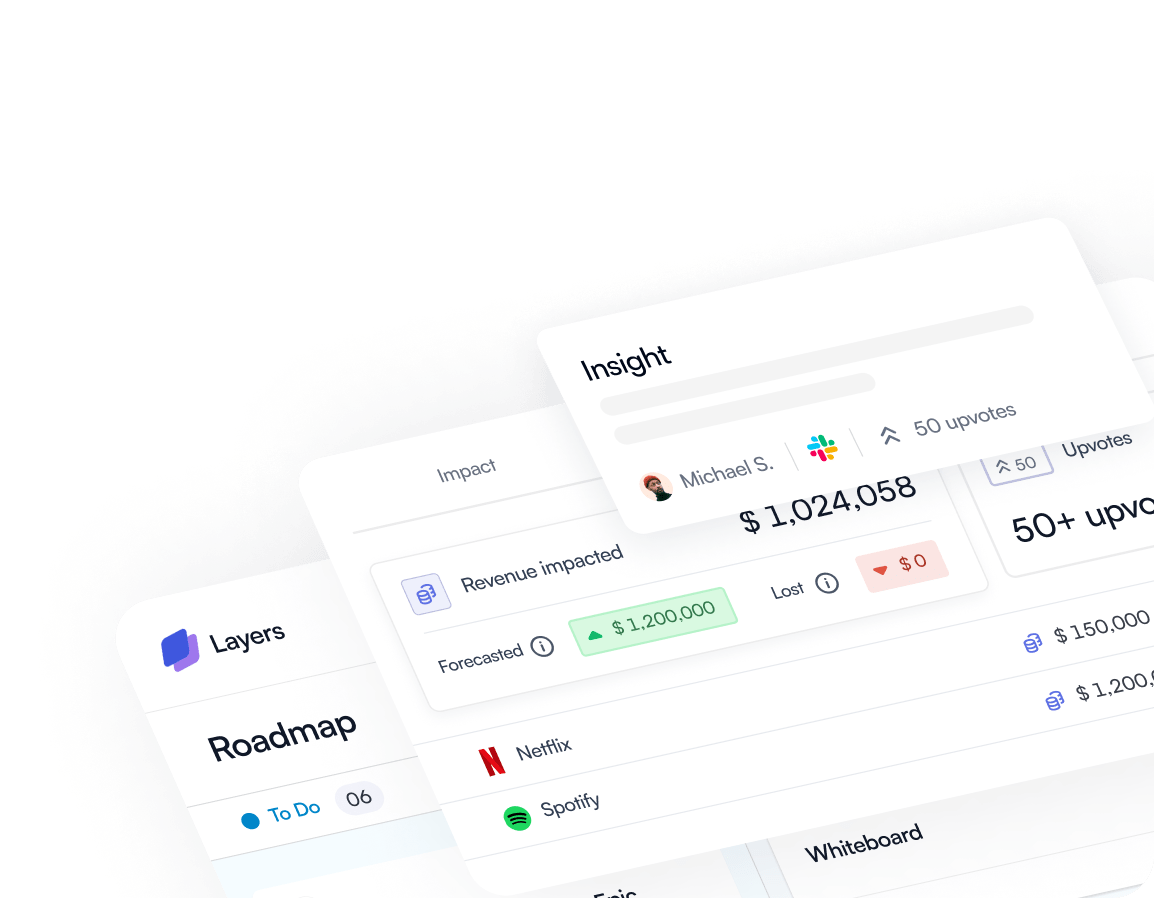
Track New Revenue.. and Lost Deals

Turn customer insights into actionable sales strategies for improved retention and growth.

Understand the "why" behind lost sales and prevent future losses with data-driven insights.

Discover untapped revenue opportunities within your pipeline based on customer feedback.

Drive Customer Loyalty & Growth

By collaborating with your customer success & support, analyze your path to continuous product improvement.

Proactively identify areas for improvement and ensure continued customer success with insights.

Reduce product-related queries and improve support team’s efficiency in dealing with customer issues.

Foster loyalty by prioritizing customer needs and building positive brand experiences.

Frequently Asked Questions

How can I access Product Insights module for my workspace?

The Product Insights module is available as a part of Discovery module set. This module is only activated once your feedback module has more than 200 feedback. After getting 200 feedback, you will be presented with product area suggestions that you can accept and then activate your dashboard.

What are ‘Product Areas’ and ‘Insights’?

Think of ‘Product Areas’ as the locations of potential issues (e.g., Integrations) and ‘Insights’ as the specific problems encountered (e.g., issues with Salesforce authentication). Use product areas to pinpoint where problems may lie and insights to understand the nature of these problems.

Which tools can Voctera integrate with to generate insights?

Voctera is capable of ingesting feedback in all formats - customer emails, call transcripts, support tickets, sales dependencies, chat conversations, survey results and even notes from customer calls.  Voctera can be integrated with Slack, MS Teams, Gong, Grain, Intercom, Zendesk, HubSpot, Salesforce, Email or connect any other data source via our public feedback API.

How do I create and track problem statements based on customer feedback?

Once Product Insights is activated, navigate to ‘Analyze’ to start. Here, you can organize your data based on feedback volume, revenue impact, or customer count, applying filters to hone in on specific insights or areas for a detailed analysis on charts and data tables.

What control do I have over insights and product area suggestions?

You’re in full control: AI might not always get it right, so you can create, merge, or archive product areas and insights to ensure your data remains accurate and relevant.”

Are there any tutorials or guides available to help me get started with Voctera?

Yes, we offer an onboarding guide to help new users familiarize themselves with Voctera. You can find the onboarding guide here. Alternatively you can always reach out to us on taylor@voctera.com